Digital Wedding Invitations
Your wedding, beautifully shared.
A live digital invitation your guests open on their phone. Each one personalized with their name.
Ready in minutes.
Step 1
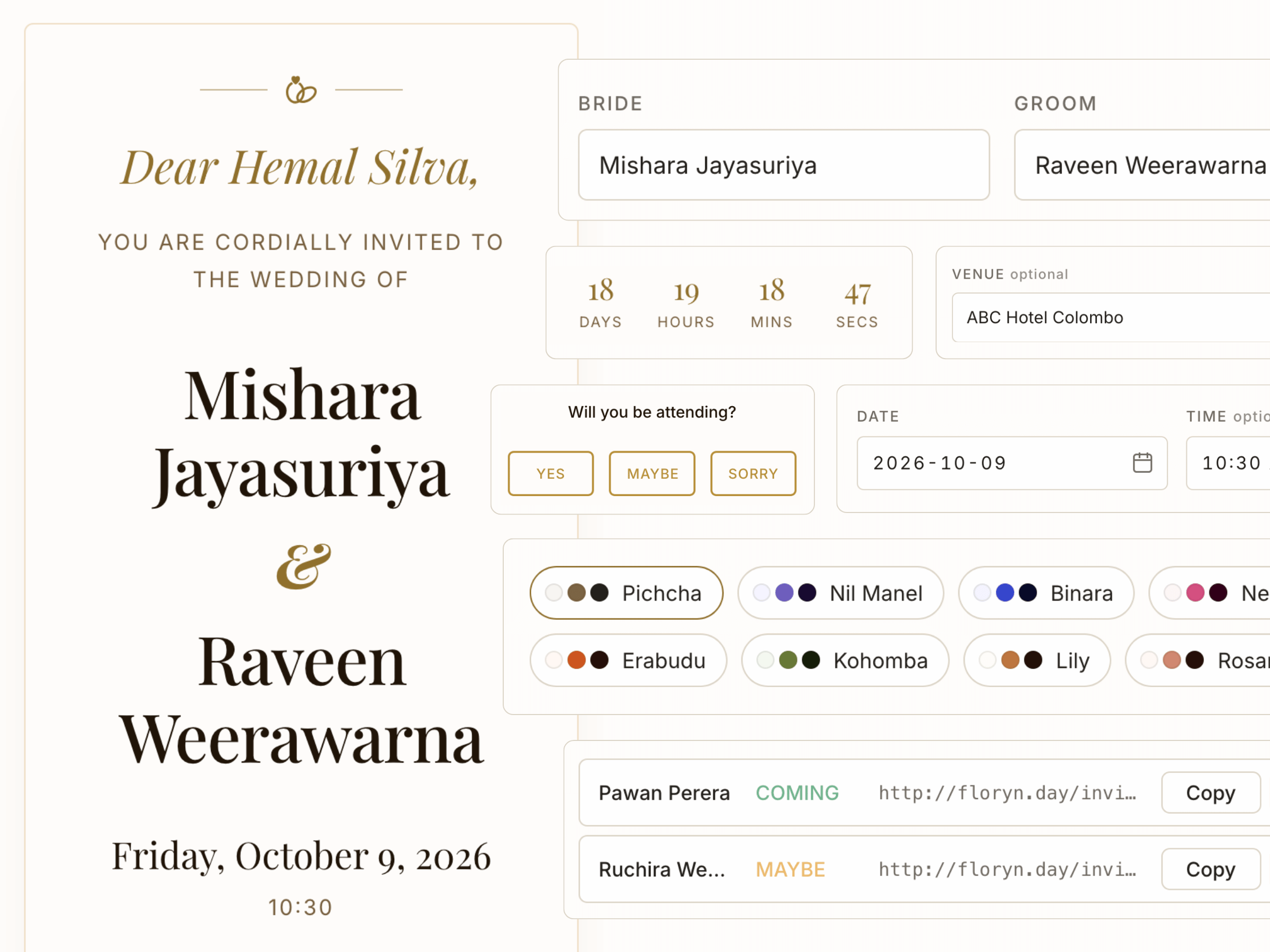
Fill in your details
Names, date, venue. The form opens with sample data so you can see it before you change anything. Takes about 2 minutes.
Step 2
Get your invitation link
One URL, live the moment you’re done. Nothing to download, nothing to install. Send it to anyone.
Your invitation is live.
Step 3
Share with each guest
Paste your guest names and get a personalized link for each one. They open it and see their name on the card.
Each one greets them by name.
Common questions
How long does an invitation last?
Every invitation is automatically deleted 90 days after creation. Send it closer to your wedding date.
Can guests RSVP on the invitation?
Yes. Guests tap the RSVP buttons on the card to respond (Yes, Maybe, or Sorry). You see all responses in your dashboard.
Where do I see RSVP responses?
Sign in to your dashboard. Each guest's response appears next to their name with a status badge.
Do guests need to create an account?
No. Guests open the link in their browser. Nothing to download, install, or sign up for.
What if I lose my login details?
Your slug and secret cannot be recovered. Create a new invitation to get new credentials.
How many themes can I choose from?
Eight Sri Lankan-inspired color themes. Each one is fully customizable with your own message.